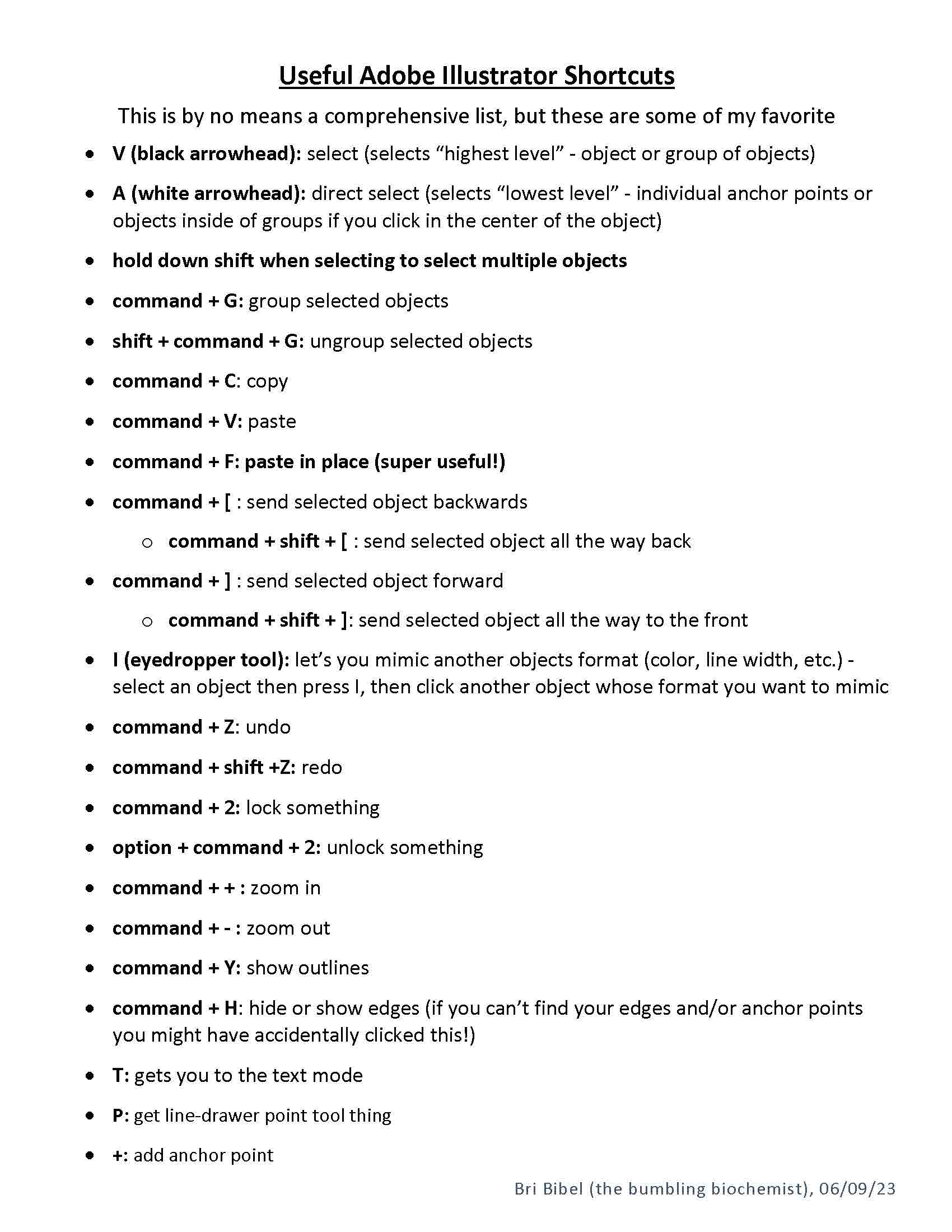
This is by no means a comprehensive list, but these are some of my favorite
- V (black arrowhead): select (selects “highest level” – object or group of objects)
- A (white arrowhead): direct select (selects “lowest level” – individual anchor points or objects inside of groups if you click in the center of the object)
- hold down shift when selecting to select multiple objects
- command + G: group selected objects
- shift + command + G: ungroup selected objects
- command + C: copy
- command + V: paste
- command + F: paste in place (super useful!)
- command + [ : send selected object backwards
- command + shift + [ : send selected object all the way back
- command + ] : send selected object forward
- command + shift + ]: send selected object all the way to the front
- I (eyedropper tool): let’s you mimic another objects format (color, line width, etc.) – select an object then press I, then click another object whose format you want to mimic
- command + Z: undo
- command + shift +Z: redo
- command + 2: lock something
- option + command + 2: unlock something
- command + + : zoom in
- command + – : zoom out
- command + Y: show outlines
- command + H: hide or show edges (if you can’t find your edges and/or anchor points you might have accidentally clicked this!)
- T: gets you to the text mode
- P: get line-drawer point tool thing
- +: add anchor point
YouTube: https://youtu.be/mxLUpD1FHHo
PDF: https://drive.google.com/file/d/1HIKVqJtoIFKl0XvSQQXowlPvUExSp0X8/view?usp=drive_link