Some things I recommend you do/learn/etc. as early as possible in your training…
(see links or https://bit.ly/practicalposts or for more information about each; uploads at https://bit.ly/bumbling_uploads)
More related information: https://bit.ly/gradpostdocetc & https://bit.ly/practicalposts
YouTube: https://youtu.be/XDJM2E_UjNQ
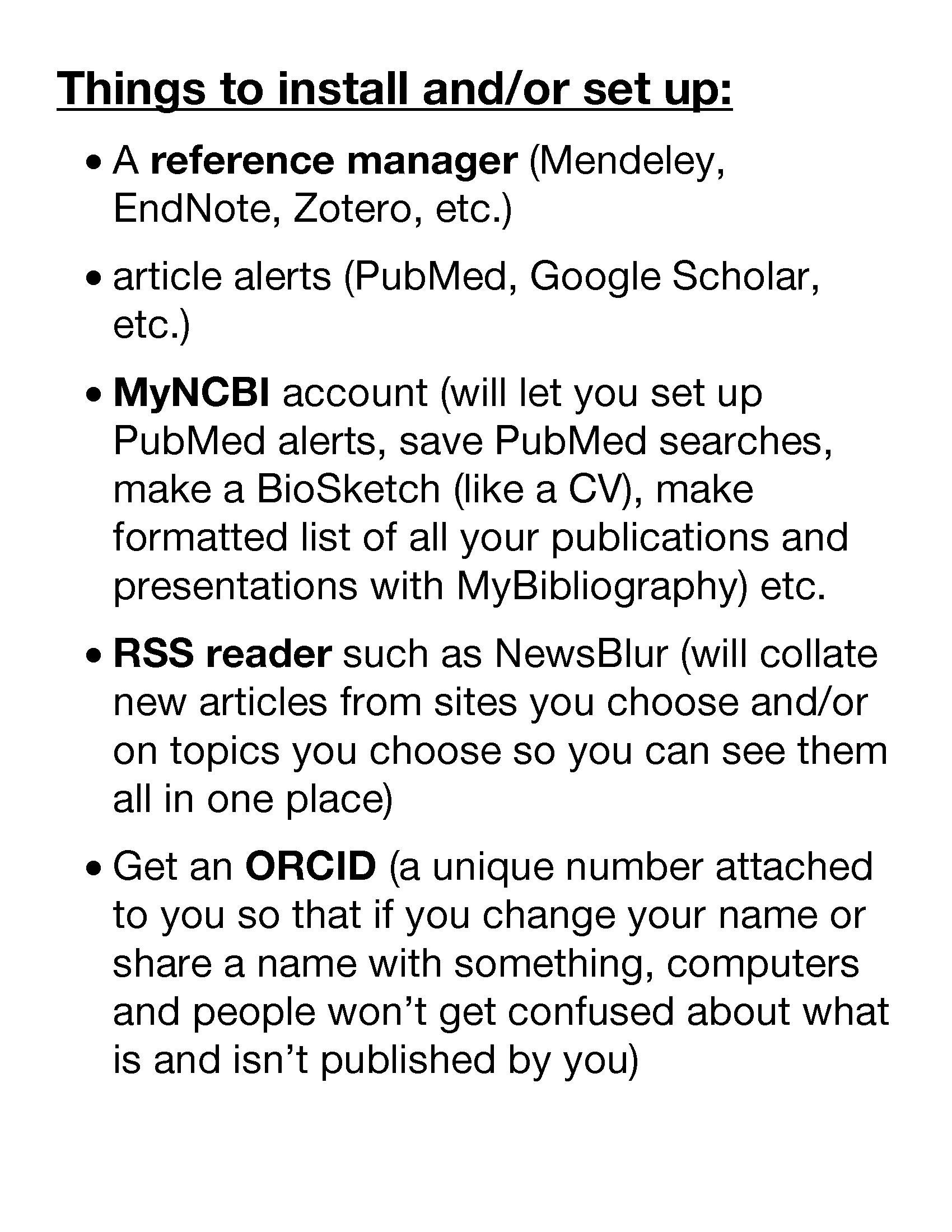
Things to install and/or set up:
- A reference manager (Zotero, Mendeley, EndNote, etc.)
http://bit.ly/referencemanagementtools ; YouTube: https://youtu.be/p2G0LZThsfA - Set up Article alerts (PubMed, Google Scholar, etc.)
- blog form: https://bit.ly/science_alerts_RSS_feeds ; YouTube: https://youtu.be/jG3hImJ7fRY
- MyNCBI account (will let you set up PubMed alerts, save PubMed searches, make a BioSketch (like a CV), make formatted list of all your publications and presentations with MyBibliography) etc.
- blog: https://bit.ly/why_MyNCBI ; YouTube: https://youtu.be/bFGq4eubnQY
- Install a clipboard manager: https://youtu.be/3g1CEXyxFFY
- Install the free unpaywall browser extension to see if free versions of paywalled articles are available when you visit an article’s page:: https://unpaywall.org/
- Install the PubPeer browser extension to see if articles you visit or articles a visited article cites have been retracted or have had questions raised about them (usually, but not always, bad): https://pubpeer.com/
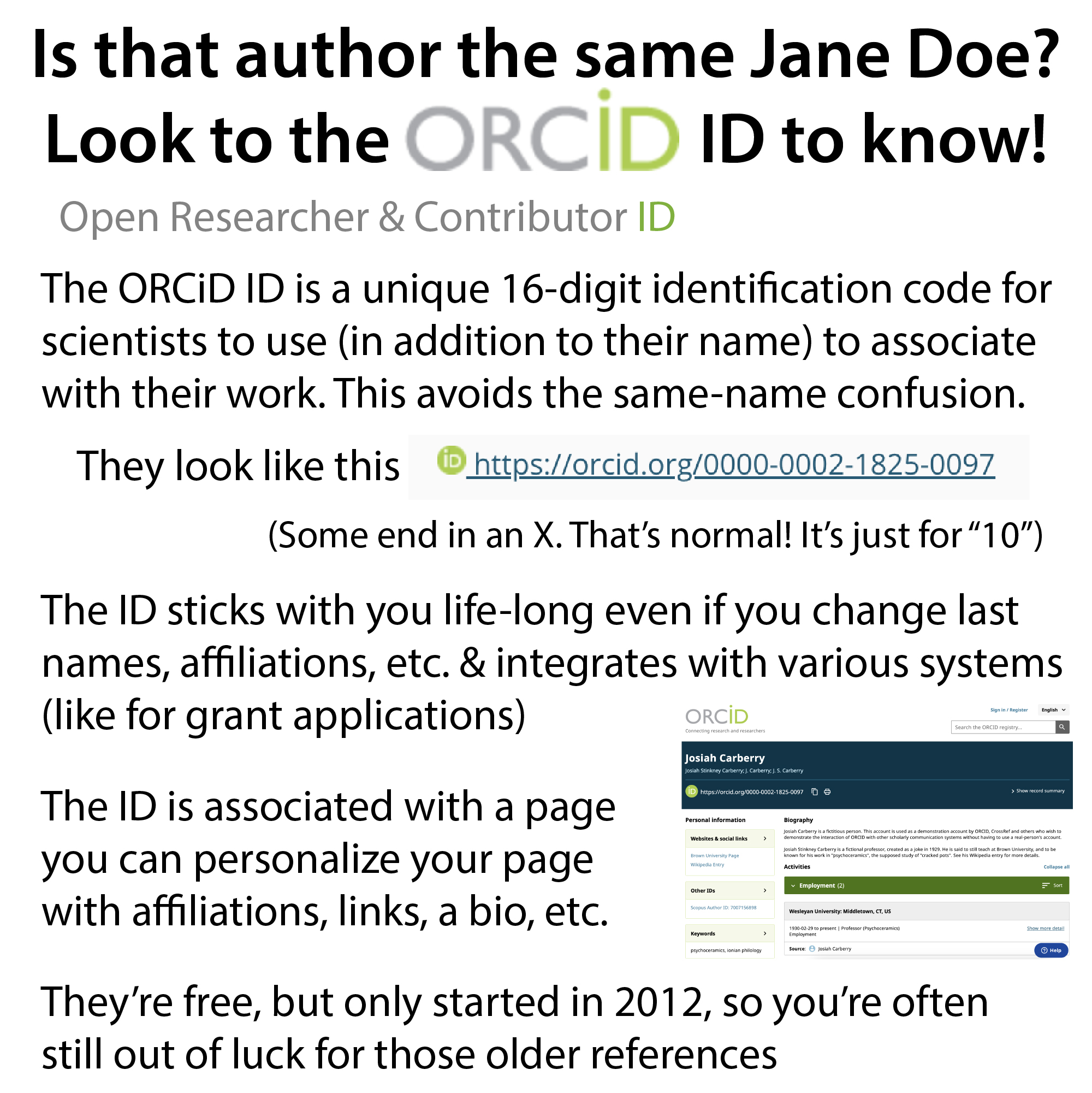
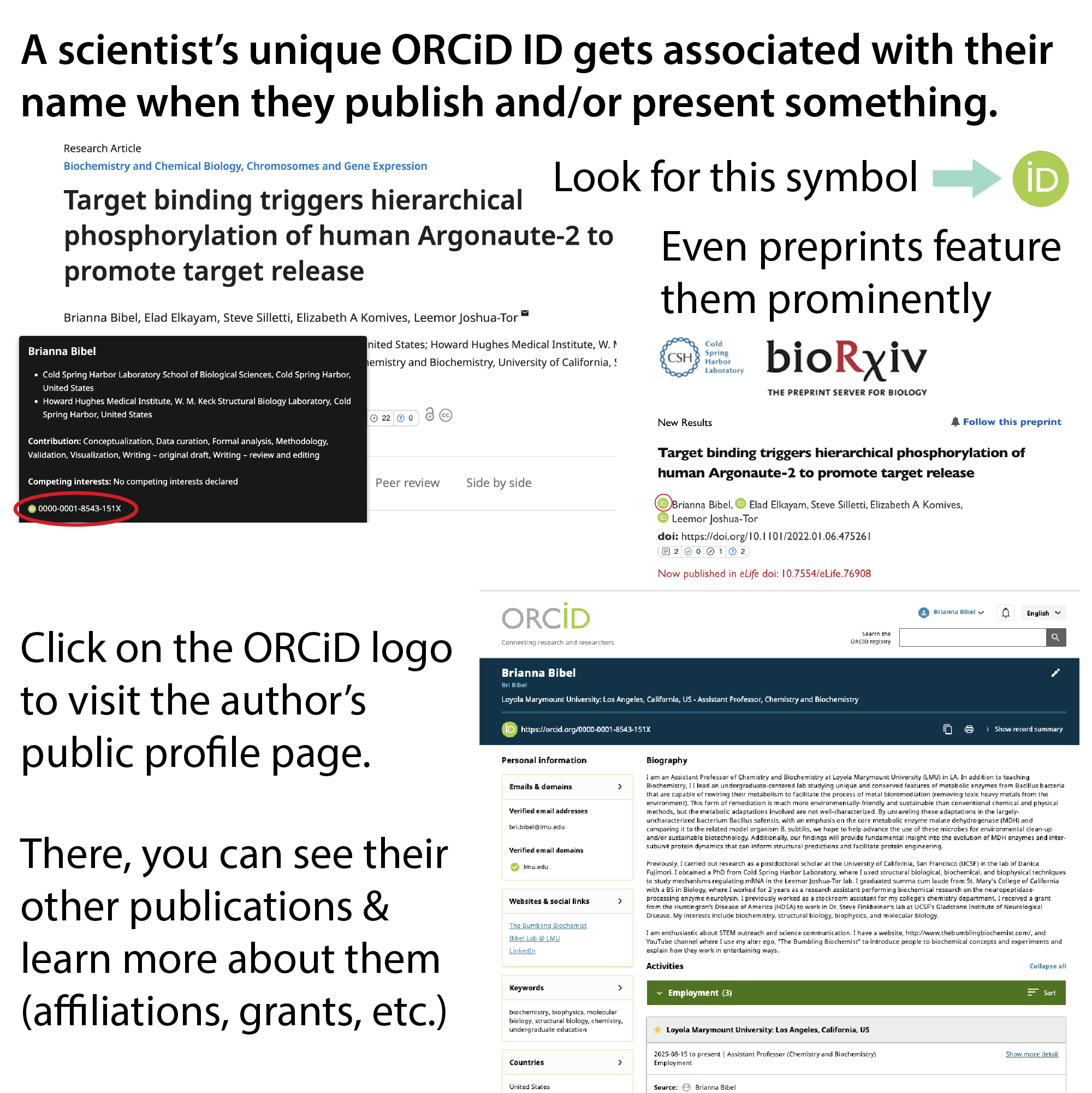
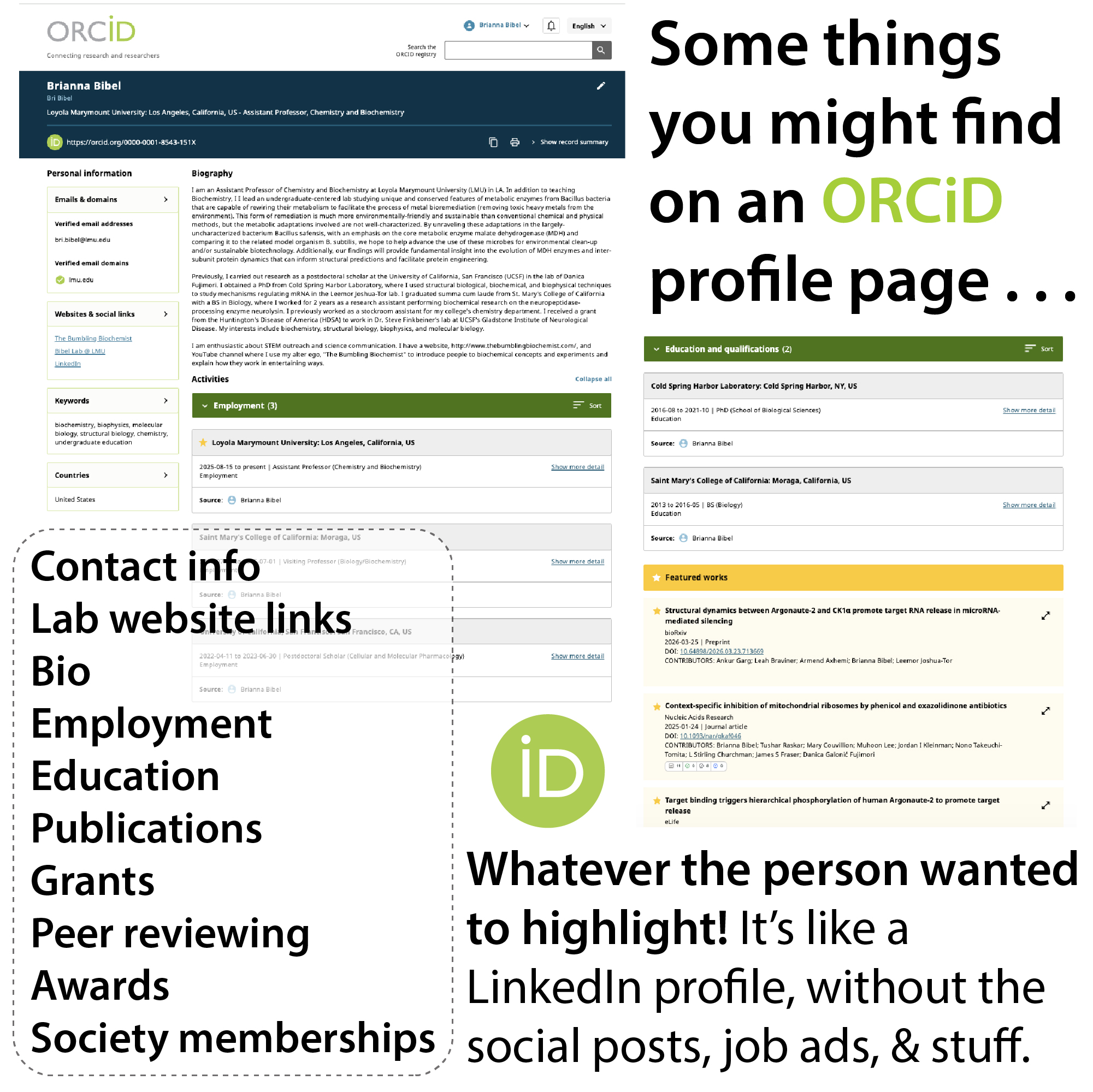
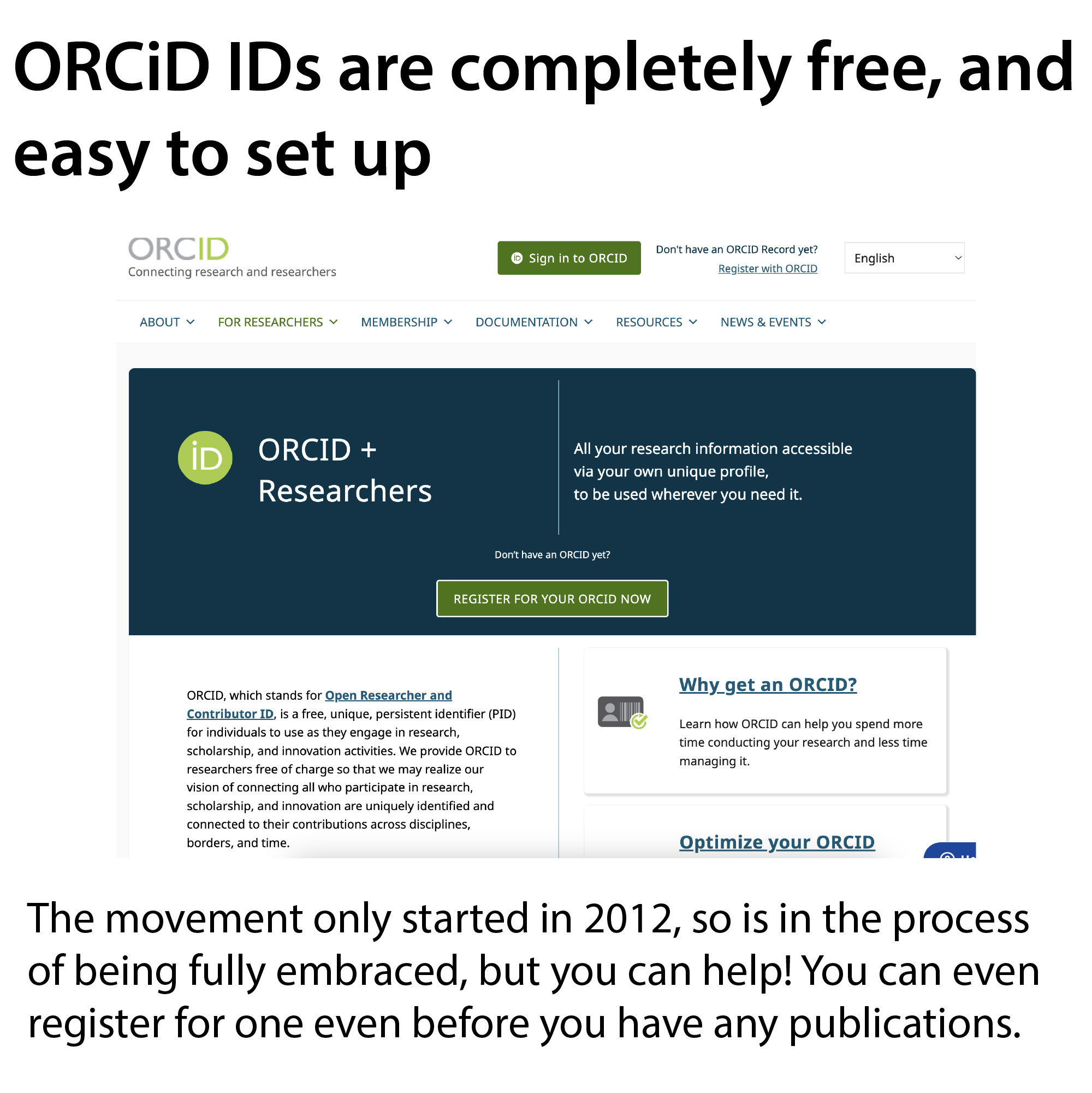
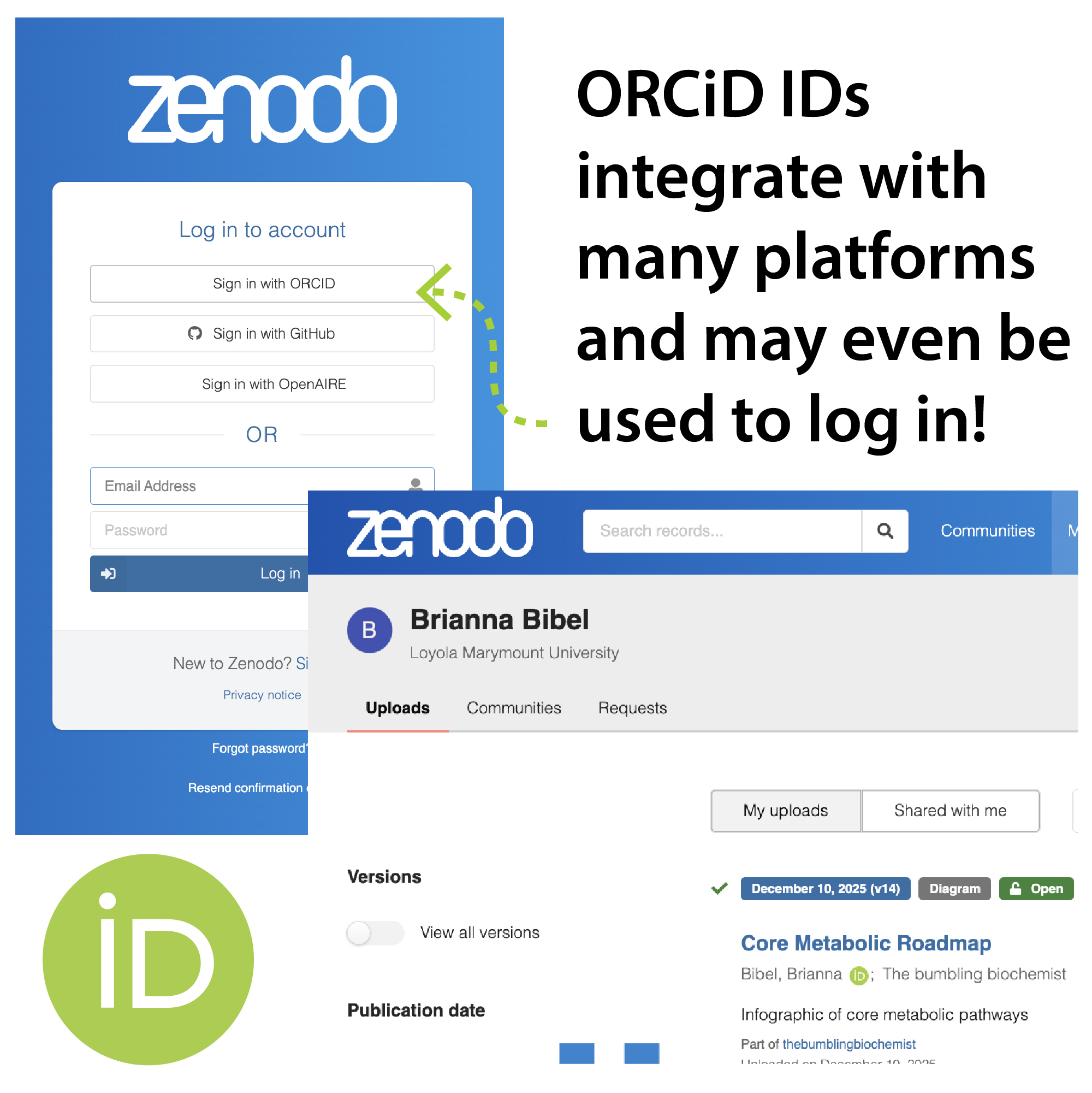
- Get an ORCID (a unique number attached to you so that if you change your name or share a name with something, computers and people won’t get confused about what is and isn’t published by you)
- blog: https://bit.ly/quickstartscience; YouTube: https://youtu.be/pejy_OfAOxQ
- MyNCBI account (will let you set up PubMed alerts, save PubMed searches, make a BioSketch (like a CV), make a formatted list of all your publications and presentations with MyBibliography) etc.
- blog: https://bit.ly/why_MyNCBI ; YouTube: https://youtu.be/bFGq4eubnQY
- RSS reader such as NewsBlur (will collate new articles from sites you choose and/or on topics you choose so you can see them all in one place)
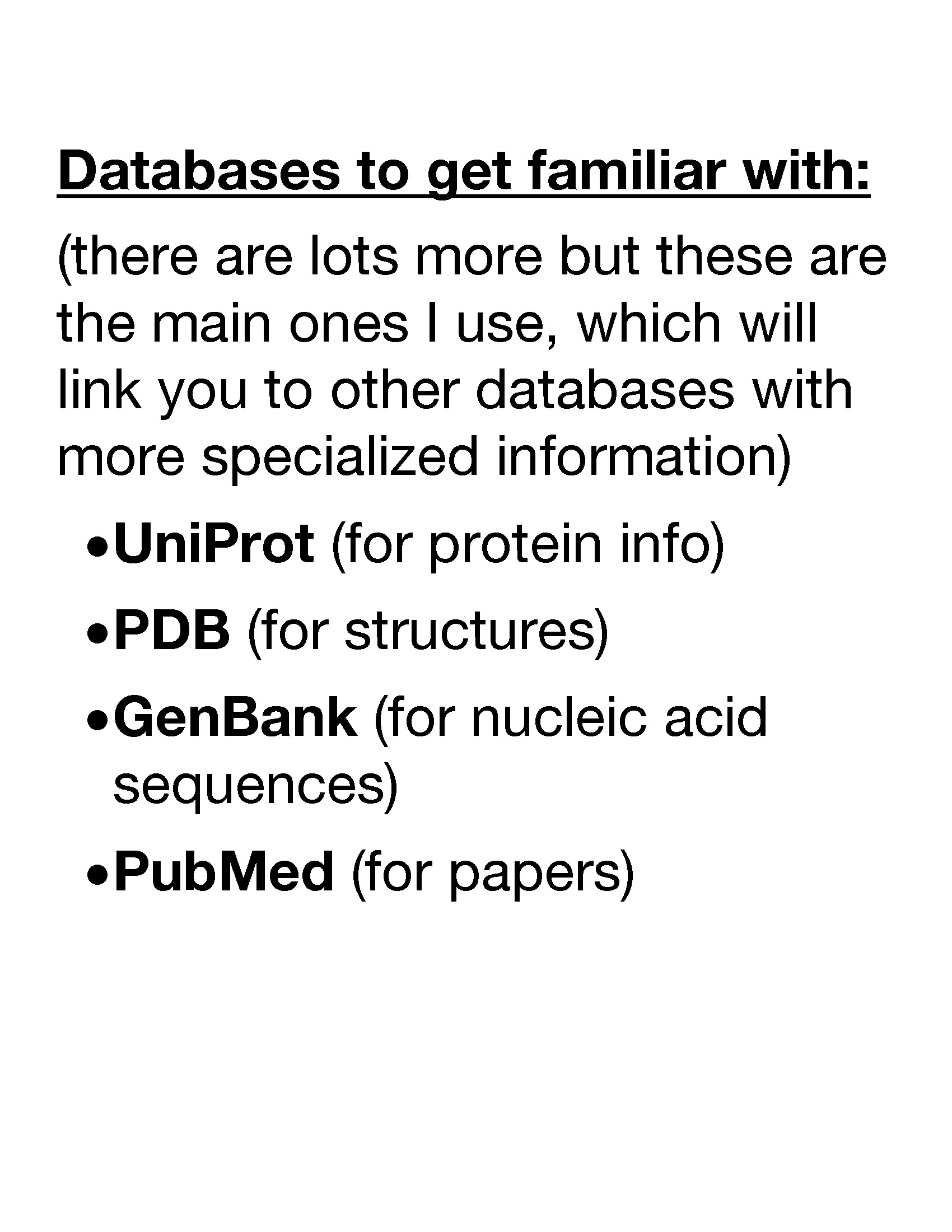
Databases to get familiar with:
(there are lots more but these are the main ones I use, which will link you to other databases with more specialized information)
- UniProt (for protein info)
- blog: https://bit.ly/uniprotprotparam ; YouTube: https://youtu.be/f75f6QCe1gA
- PDB (for structures)
- GenBank (for nucleic acid sequences)
- PubMed (for papers)
- blog: https://bit.ly/databases_guide ; YouTube: https://youtu.be/ZyLOWqZazgc ; downloadable version of list, with links: https://bit.ly/3RYWlS6
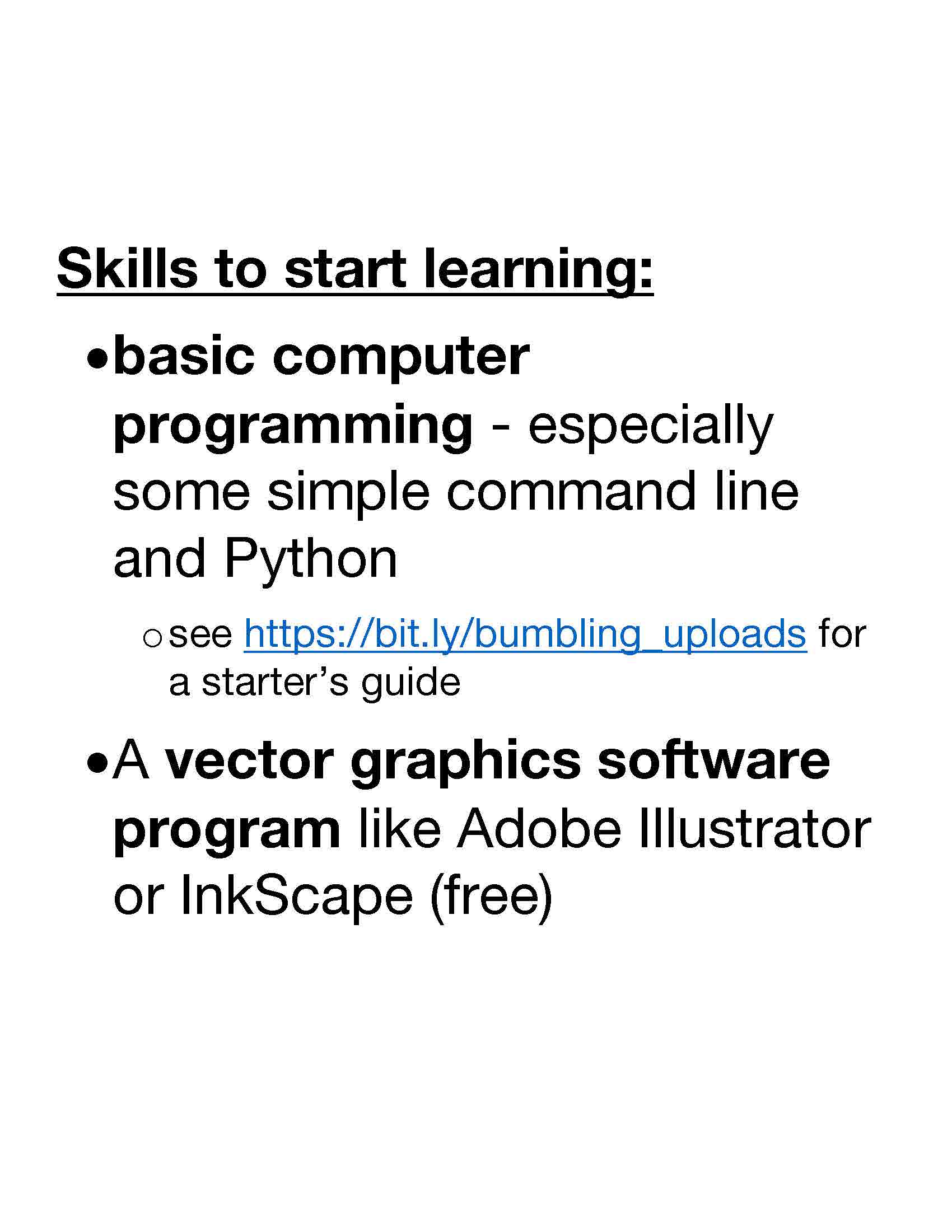
Skills to start learning:
- Basic computer programming – especially some simple command line and Python
- see https://bit.ly/bb_python_tips for a starter’s guide
- A vector graphics software program like Adobe Illustrator or InkScape (free)
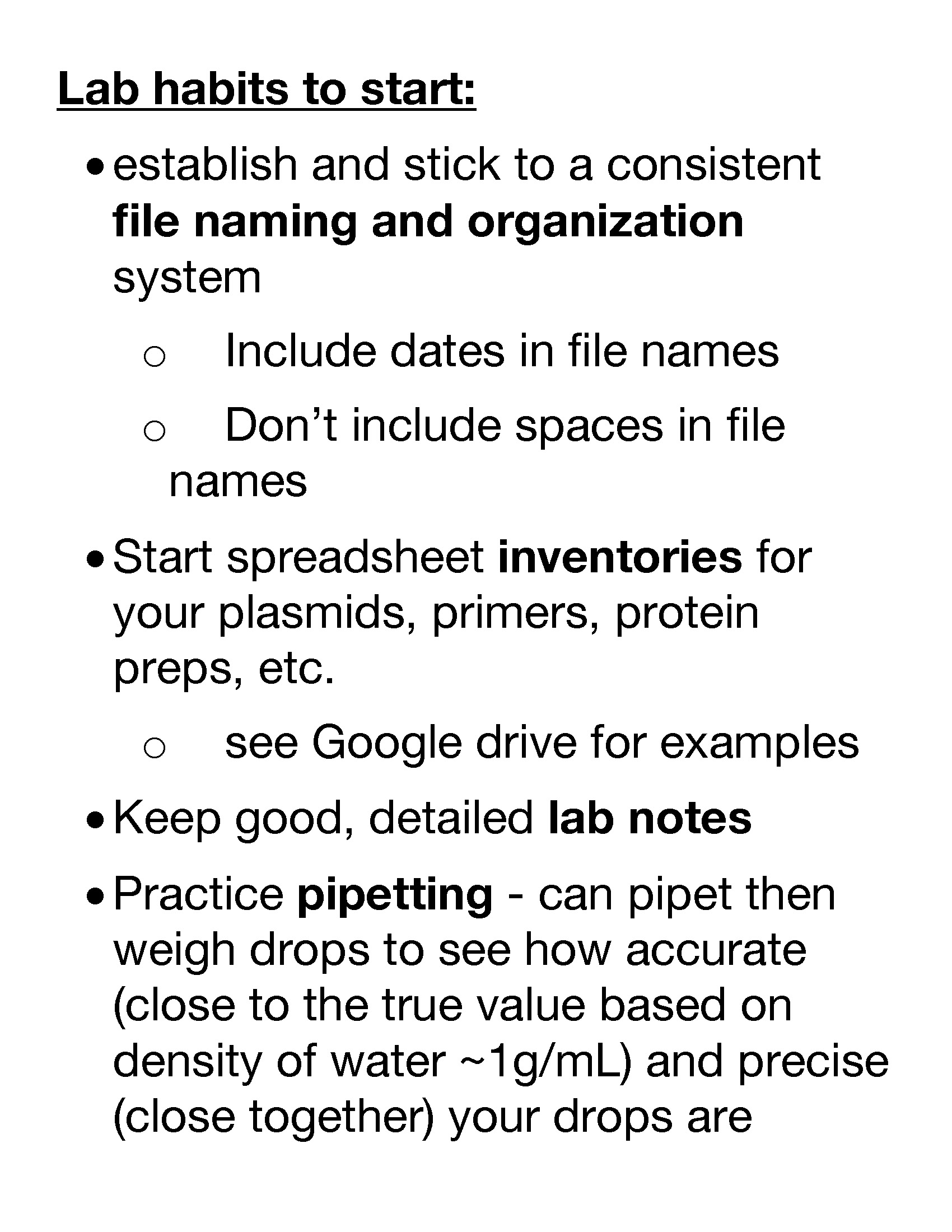
Lab habits to start:
- Establish and stick to a consistent file naming and organization system
- Include dates in file names
- Don’t include spaces in file names
- Start spreadsheet inventories for your plasmids, primers, protein preps, etc.
- see Google drive for examples
- plasmid inventories: https://bit.ly/plasmid_inventory ; YouTube: https://youtu.be/Zknk4zNLAQ8 ; https://docs.google.com/spreadsheets/d/1eMbZUuWlqO-CEYcR445ZaIHUnZYg2uwq/edit?usp=sharing&ouid=110501489579733284162&rtpof=true&sd=true
- protein inventories: https://bit.ly/protein_inventorying ; YouTube: https://youtu.be/myoxFfKpyP8 ; here’s a link to my example protein prep inventory template spreadsheet: https://docs.google.com/spreadsheets/d/1Qys8OEK-JlTD8kUvHUN0QsoBG_Gh1t3b/edit?usp=sharing&ouid=110501489579733284162&rtpof=true&sd=true
- see Google drive for examples
- Keep good, detailed lab notes
- Keep spreadsheet logs of your assays:
- Example template: https://bit.ly/assaylog
- YouTube: https://youtu.be/-A1WoAY-aaE
- Use spreadsheets to plan out your experiments in detail before starting
- https://bit.ly/experiment_spreadsheets & https://youtu.be/LsO-5VjeWsw
- Downloadable example templates:
- Practice pipetting – can pipet then weigh drops to see how accurate (close to the true value based on density of water as ~1g/mL) and precise (close together) your drops are
- Pick up practical lab tips from others
- Watch how others in the lab do things and find what works for you
- Here are some of mine: https://bit.ly/lab_tricks_page
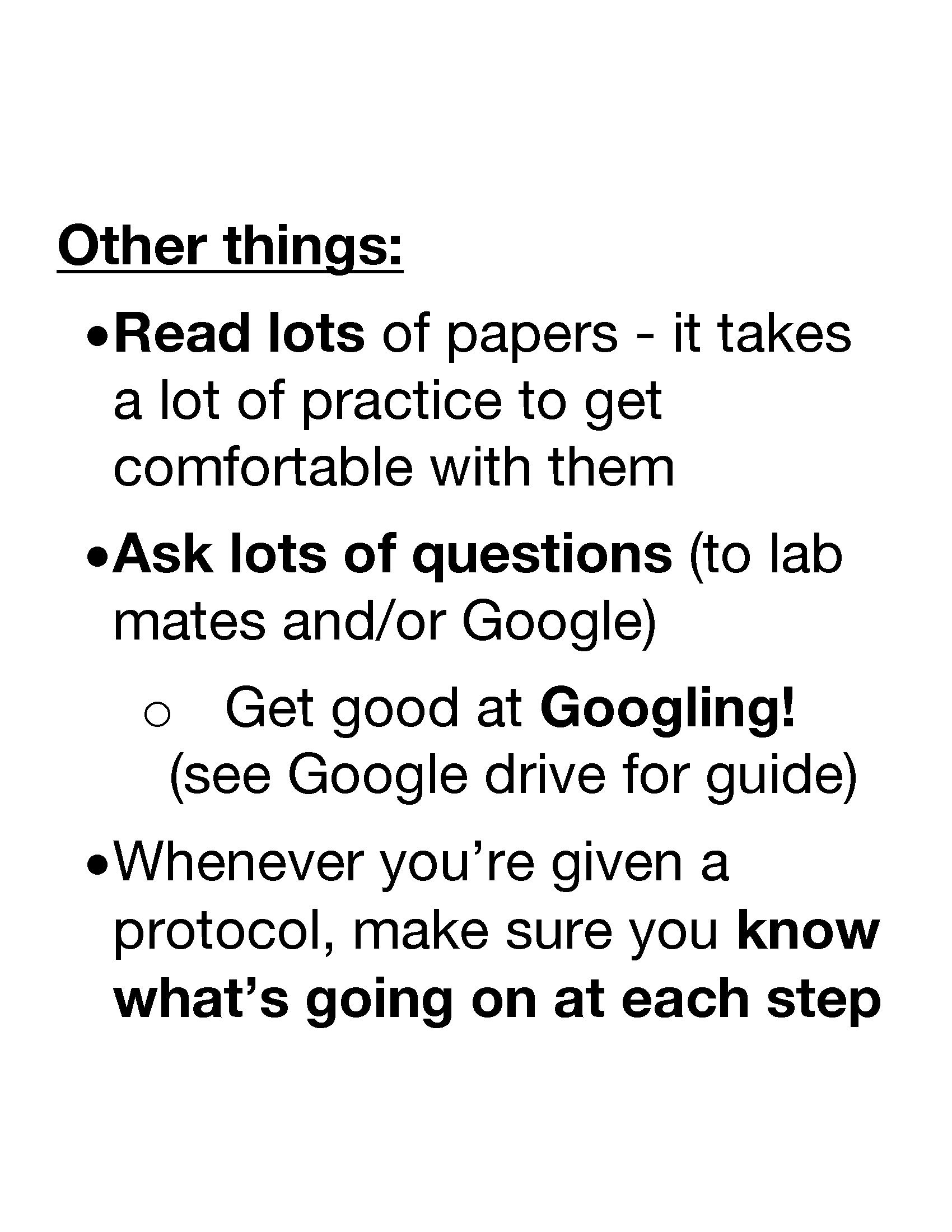
Other things:
- Read lots of papers – it takes a lot of practice to get comfortable with them
- blog form: https://bit.ly/strategic_reading ; YouTube: https://youtu.be/3we4u8NkyFk
- Template for paper notes: https://bit.ly/litspreadsheet
- Get familiar with the terminology:
- Ask lots of questions (to lab mates and/or Google)
- Get good at Googling! (see for guide)
- Whenever you’re given a protocol, make sure you know what’s going on at each step
- Blog: https://bit.ly/insidethekit ; YouTube: https://youtu.be/Q7oOeDvdcOE
- Behind the scenes of various common biochemistry and molecular biology experiments: http://bit.ly/labtechniques
- Familiarize yourself with resources
- Some of my content: https://thebumblingbiochemist.com/lets-talk-science/resources/
- Some of my favorite resources: https://bit.ly/bumblingbiochemisttoolbox
- Build a support system – choose your lab carefully to find one that fits you and where you’ll have support throughout your ups and downs
- Identify friends and mentors in your lab and beyond who can provide advice in various topics (hands-on guidance at the bench, experimental brainstorming sessions, career guidance, etc.)
- Teach others – there’s a common phrase in the lab: see one, do one, teach one. The real test of whether you’ve “mastered” a technique is to teach others to do it correctly!