One of my favorite strategies for studying and/or organizing my thoughts is making mind maps and flow charts in draw.io. It’s totally free and this isn’t an ad or anything, I just think it’s under-known-about so thought I’d help you know about it!
Basically, it has a bunch of arrows and shapes and makes it easy for you to make pretty much any form of flow-chart like thing. You can actually do even more with it because it’s super flexible (you can even import images and make custom shapes you can save to the sketchpad section on the left hand side). It’s also super flexible in that you can move things around as much as you want, add extra space to make room for new connections as you think of them, etc. Much easier than with paper!!! This allows you to be really creative in your thinking and see how various topics, molecules, pathways, etc. compare, contrast, build-upon, inhibit, share components, etc.
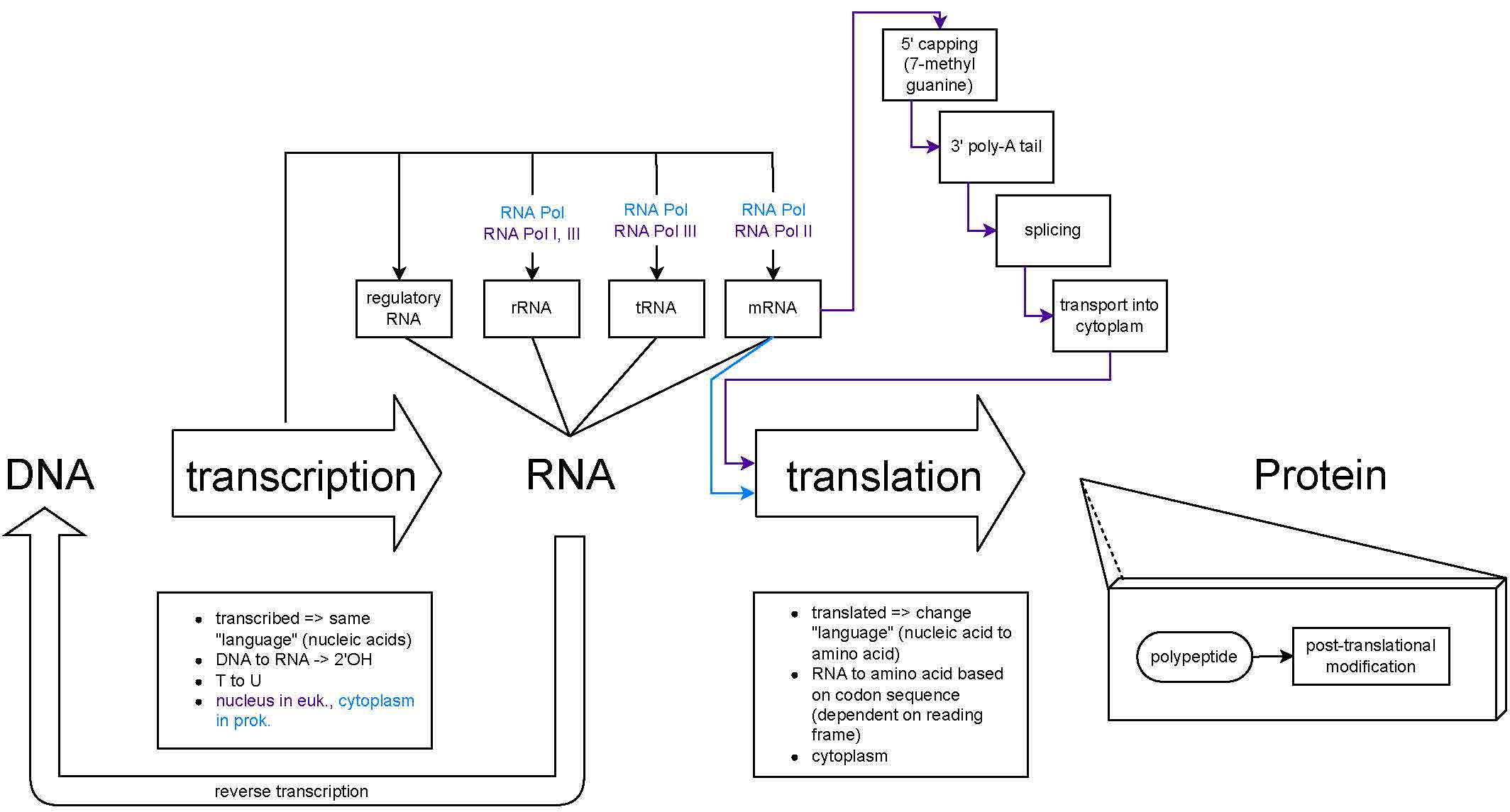
I recommend making smaller, more focused, but deeper, mind maps on various topics as you learn about them. And then also make larger mind maps that connect the smaller ones (but with less detail so you can focus on bigger-picture relationships). You can update the maps as much as you want as you go along in your course, etc. and new connections come to you. And then, at finals time (if applicable) you have a fantastic study tool. Making the maps is itself a great way to study. And the beauty of having it all drawn out is you can then look at it as my much as you want rather than just having it live in your busy brain!
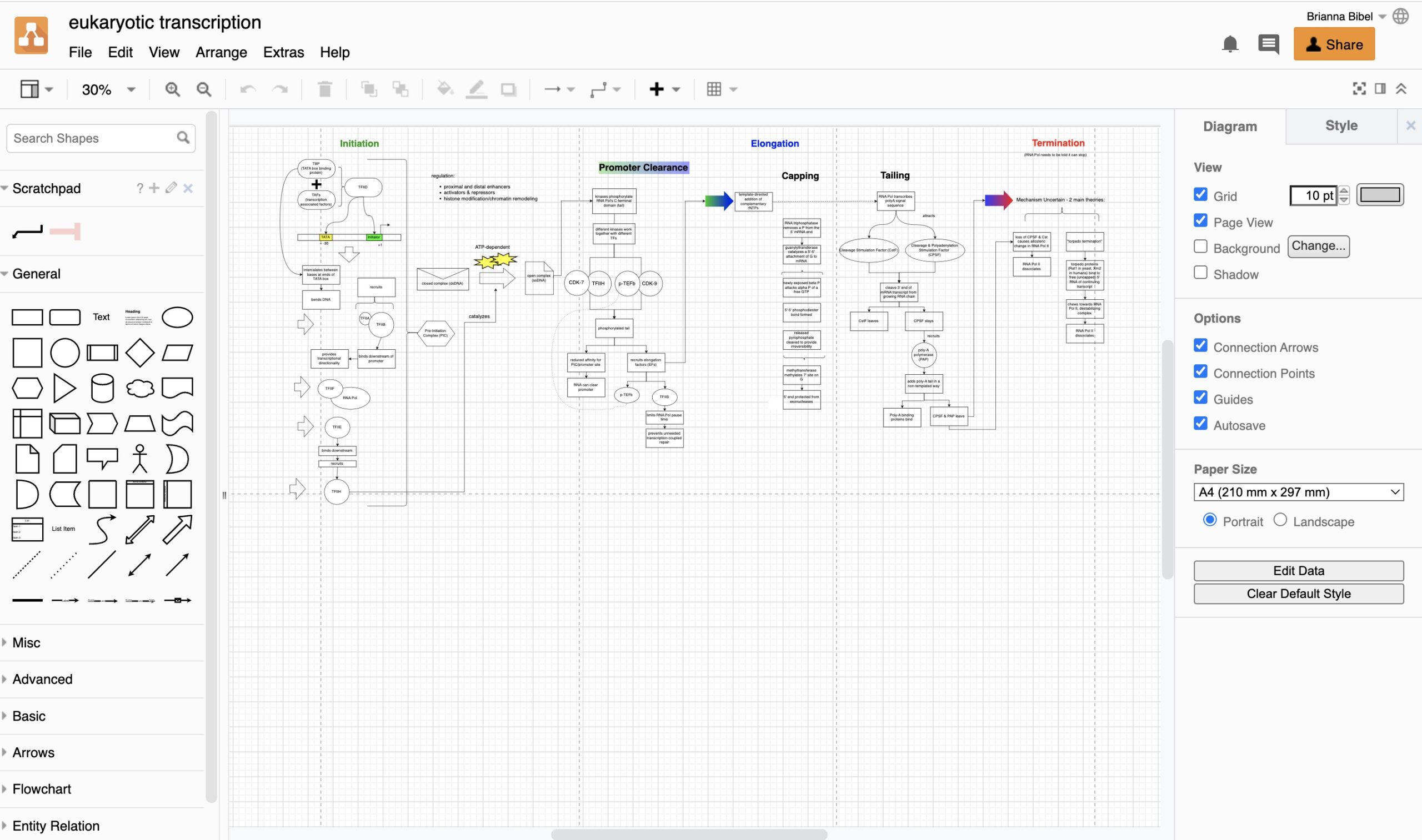
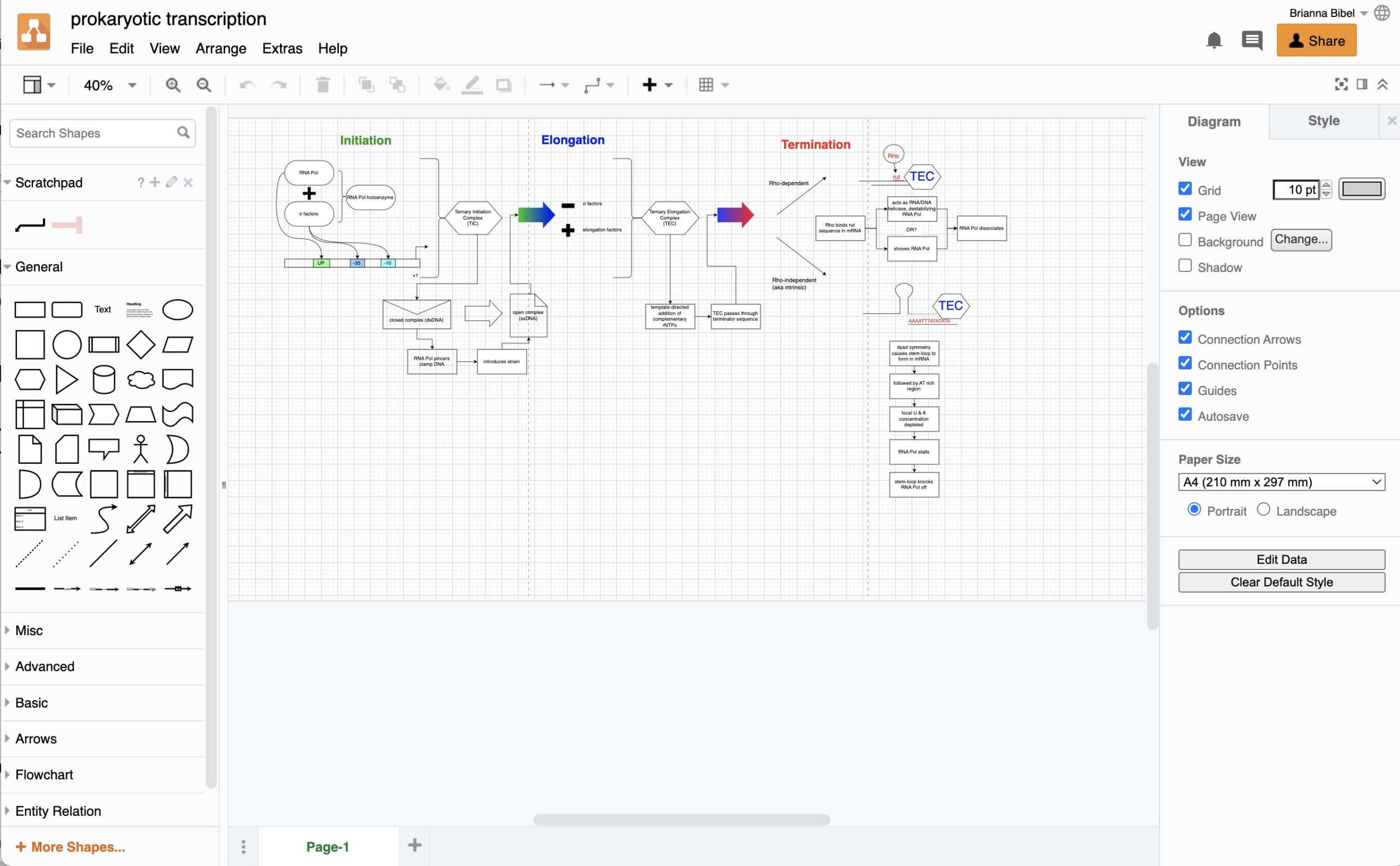
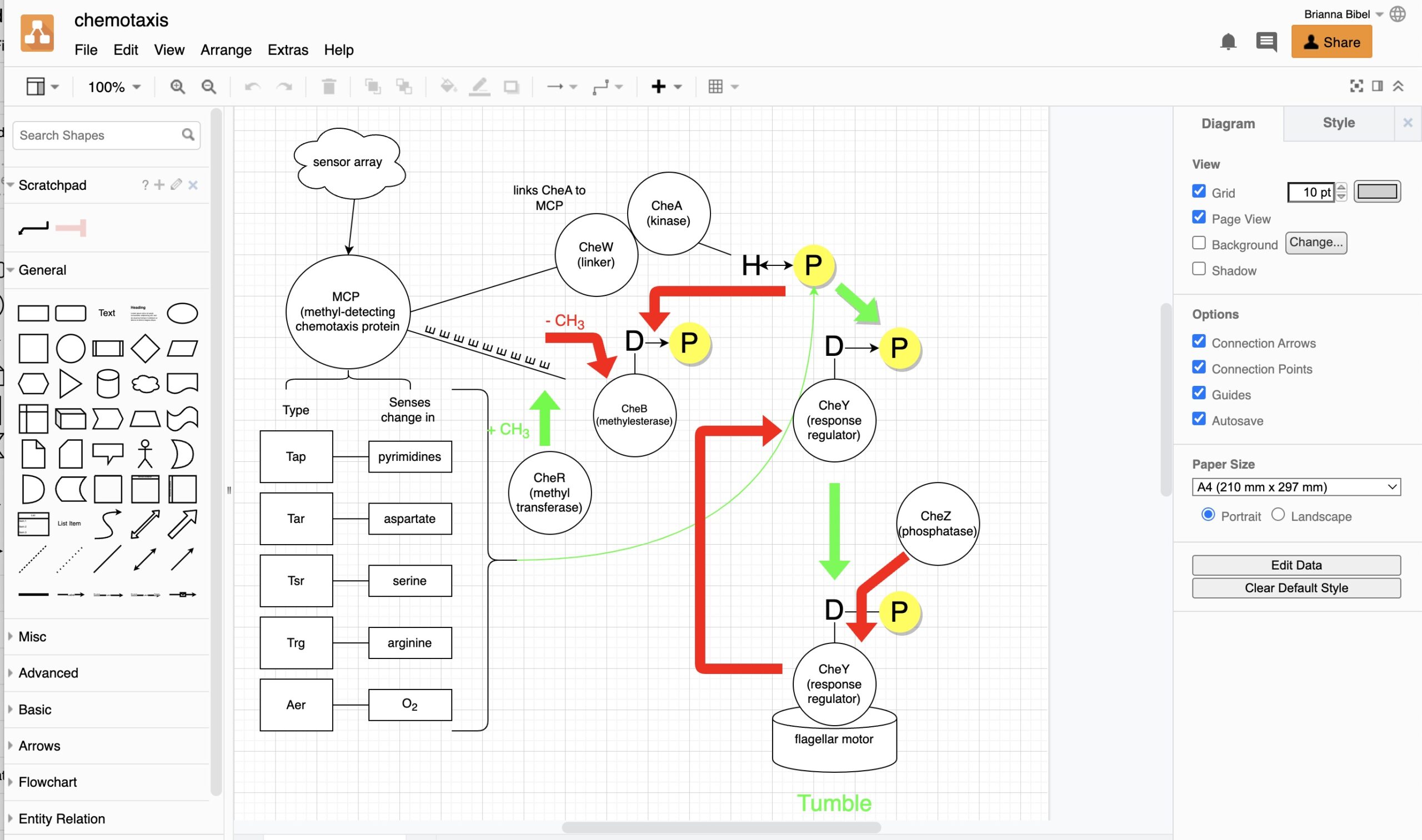
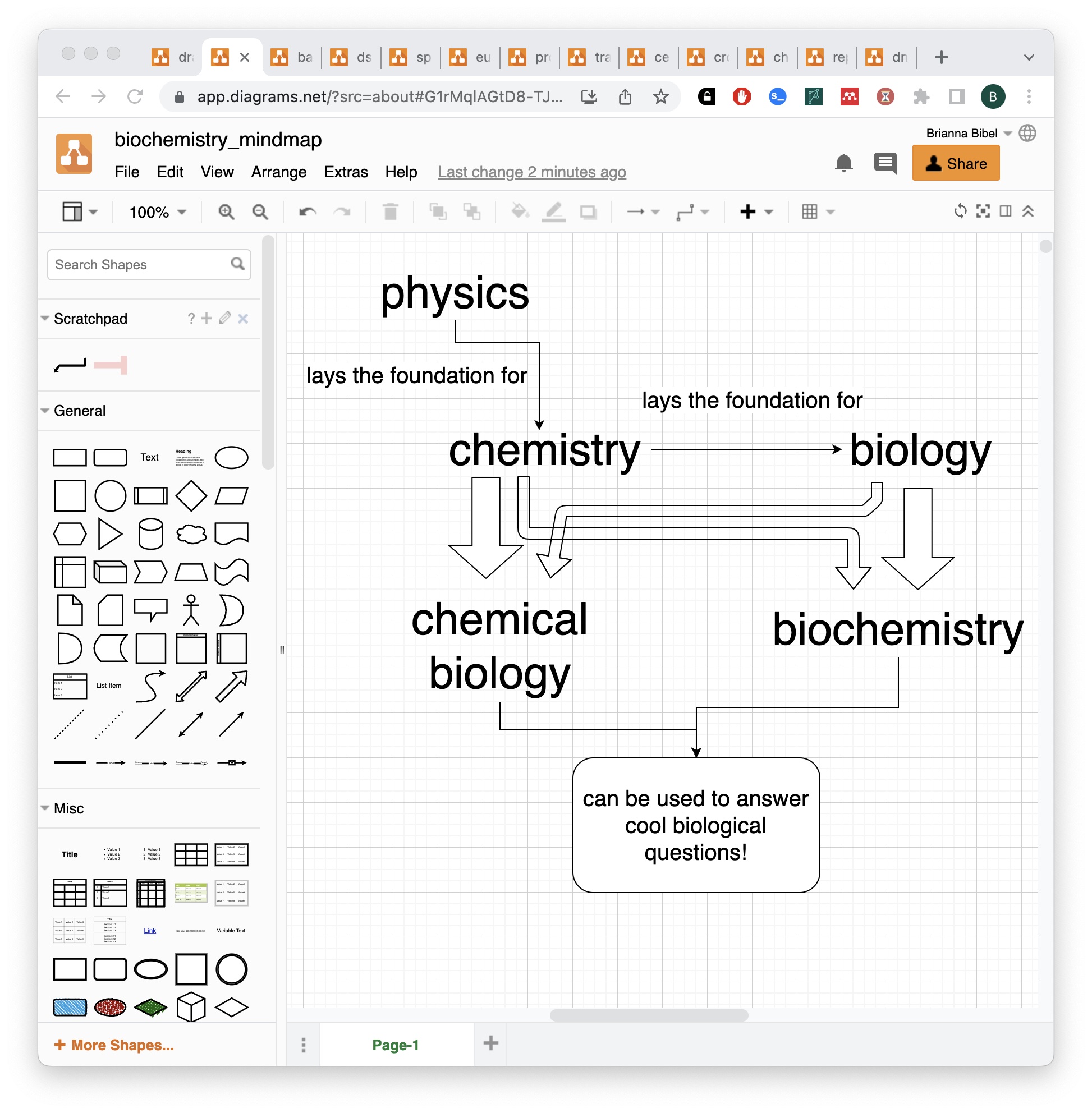
Here’s a link to a number of examples I made when studying for my molecular biology course in undergrad (shoutout to St. Mary’s College of California professor Dr. Vidya Chandrasekaran for introducing us to the mind map!). https://drive.google.com/drive/folders/1R_7LToPHgnmhk2H-hz_UJgOCvQ23vhAq
Here’s a demo and discussion: https://youtu.be/7XrjvQnmAxY
For more study suggestions: https://bit.ly/bumblingschoolguide & https://bit.ly/studysuggestions ; YouTube: https://youtu.be/Na6DjhmyKA0
for more school-related content: https://youtube.com/playlist?list=PLUWsCDtjESrFD7pOz9Xxb-ws3HUY-tOmA
some example screenshots: